
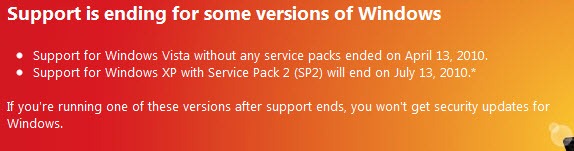
If you are using Windows XP or Vista, you need to be aware of the following information. Microsoft recently announced that it will no longer support Windows Vista RTM after April 13th, 2010 and Windows XP Service Pack 2 after July 13th, 2010.
What does this mean? All this means is that your computer will no longer receive security updates from Microsoft to protect you from the latest threats.
What can you do? If you’re running Windows Vista or Windows XP, you might want to take the next couple of minutes to determine if your version will no longer be supported. Before we begin, let’s determine which version is currently running on your computer. Follow the instructions below to quickly determine the Windows version you are running.
Windows Vista
The screenshot below should help you determine which operating system you are running on your computer.
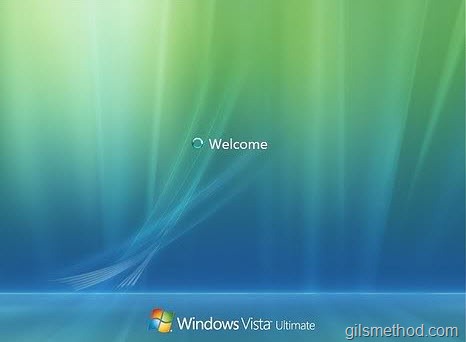
Are you running Service Pack 1 or above? If so then you need not worry, just make sure Automatic updates are on and that you periodically run a virus scan.
If not, then you need to head on over to the Microsoft download website to obtain the latest service pack for Windows Vista, download and install the service pack…but before you do that, make sure your computer is backed up and your files are saved.

1. Click on the Orb to open the Start Menu.
2. Right-click on Computer.
3. Click on Properties from the menu.

4. When the System window opens, you will find the version of Vista installed along with the service pack version, if any.
If the words Service Pack are not listed you will need to download and install Service Pack 1 and 2 from Microsoft.com (direct link to download page). I recommend that you upgrade Vista to the latest Service Pack version, which will ensure continued support coverage from Microsoft.
Note: Service Pack 1 is a prerequisite for installing Service Pack 2. Please make sure that your system is running Service Pack 1 before you install Service Pack 2.
Windows XP
The screenshot below should help you determine which operating system you are running on your computer.
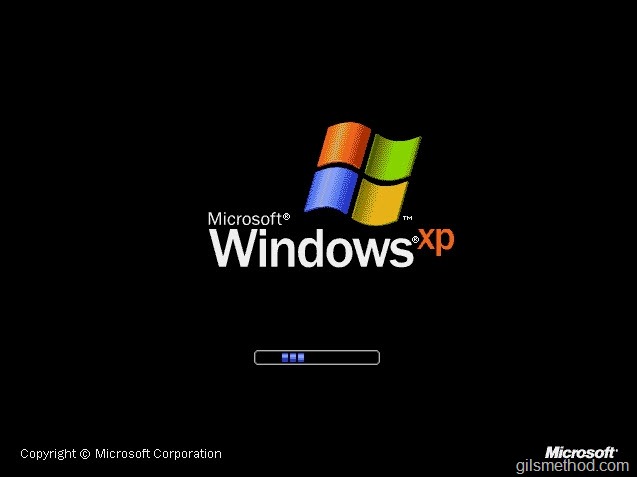
Are you running Service Pack 3? If you are, just make sure to keep your computer updated and run your virus scans periodically.
Don’t know which Service Pack you have installed? Follow the instructions below to determine which version you have installed.
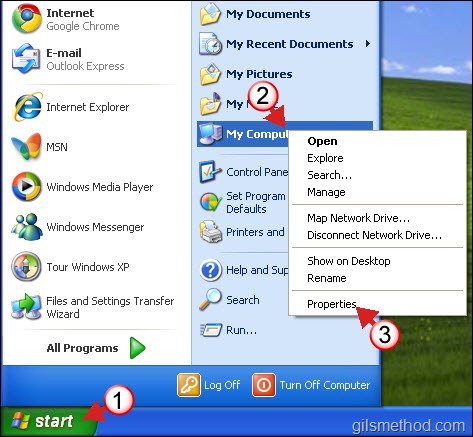
1. Click on the Start to open the Start Menu.
2. Right-click on My Computer.
3. Click on Properties from the menu.
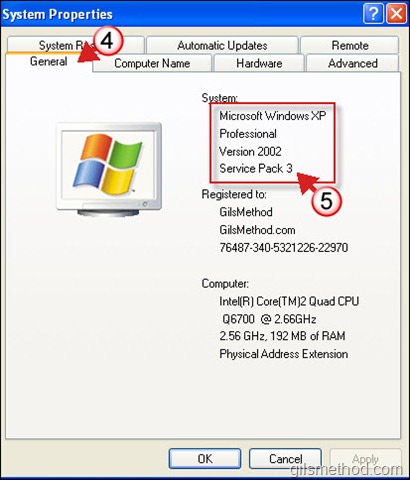
4. Make sure that the General tab is selected.
5. You will find your XP version along with the Service Pack version installed.
If the Service Pack installed is something other than Service Pack 3, use the following links to download Service Pack 3 from Microsoft (direct link to download page).



