Are you looking to get a better picture of your systems memory allocation? Do you want to know exactly how much memory an application is consuming? Using Systernals RAMMap application from Microsoft, you can find out just about anything regarding memory allocation and usage on a computer. RAMMap can be downloaded for free from the Microsoft TechNet website. The application requires Windows Vista/7 and Windows 2008+. To learn more about RAMMap and other Systernal applications, check out the 5th Edition of Windows Internals.
“RAMMap is an advanced physical memory usage analysis utility for Windows Vista and higher. It presents usage information in different ways on its several different tabs.†Each of the tabs are highlighted below with a brief description regarding the information you will find there.
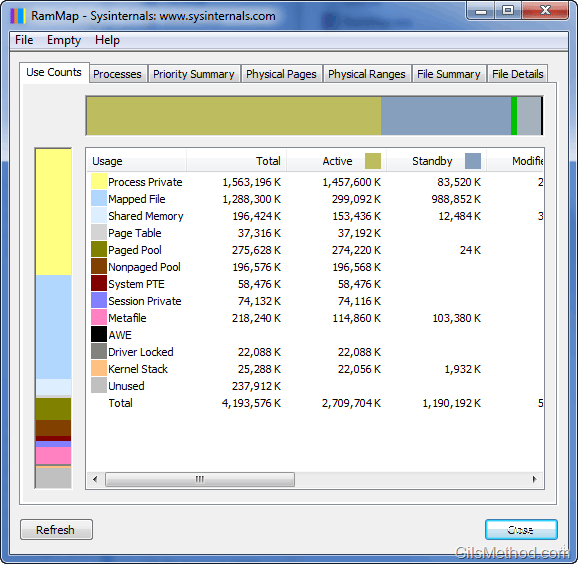
Use Counts
Here you will find a memory usage summary by type and paging list.
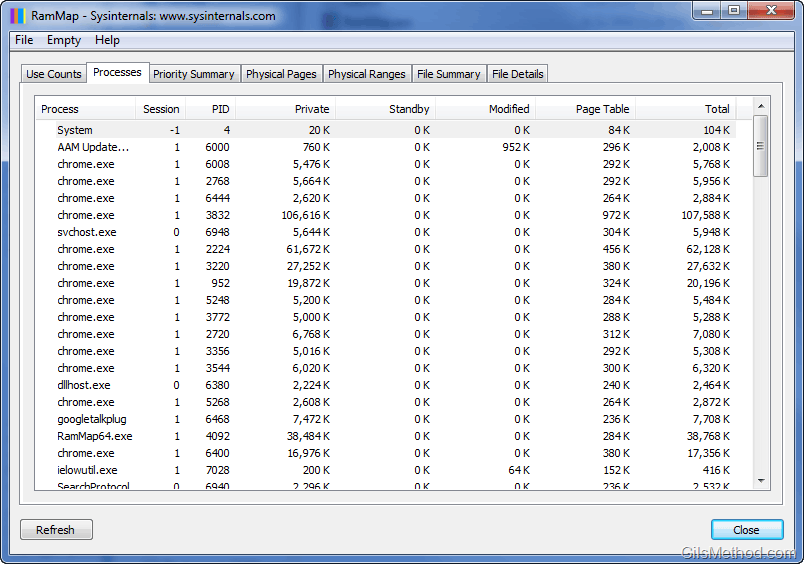
Processes
A list of process working set sizes.
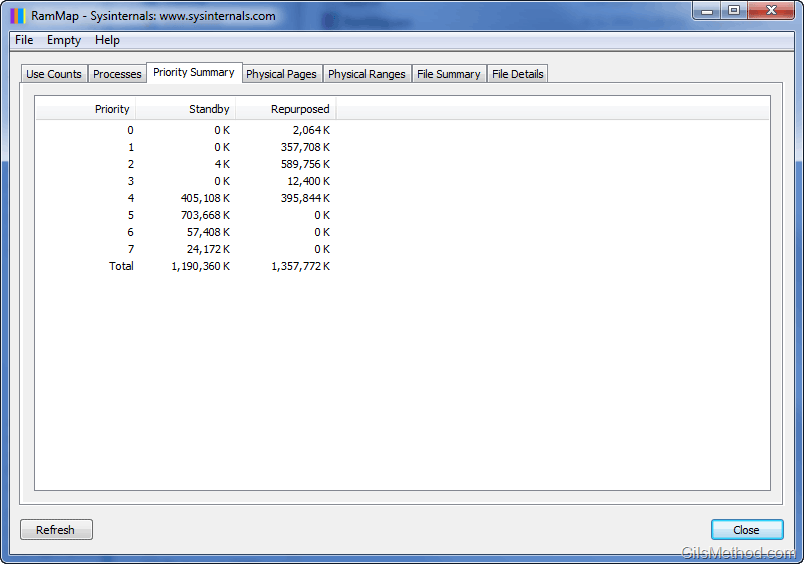
Priority Summary
A summary of prioritized standby list sizes.
Physical Pages
A list of per-page use for all physical memory.

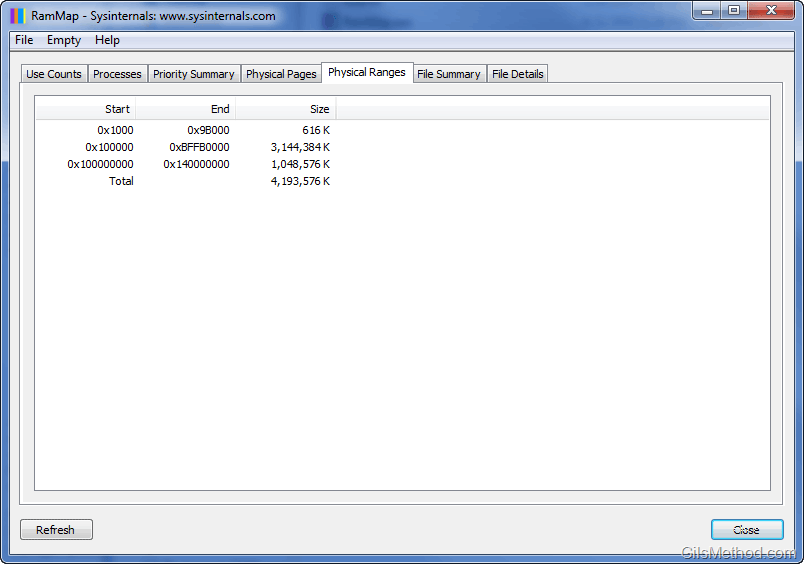
Physical Ranges
A list of physical memory address ranges.
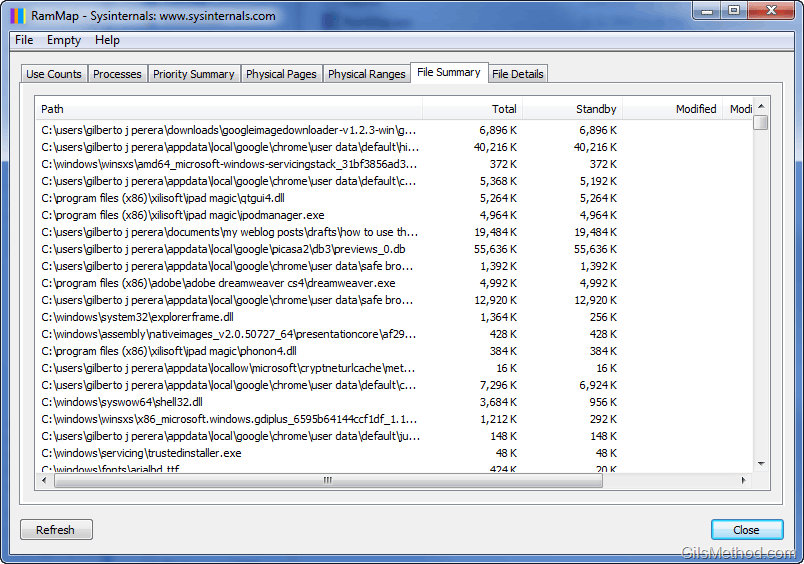
File Summary
This is probably one of the neatest pieces of information you will be able to gather using this tool. In File Summary you will be able to see the amount of RAM being used by every single file that is loaded to memory.
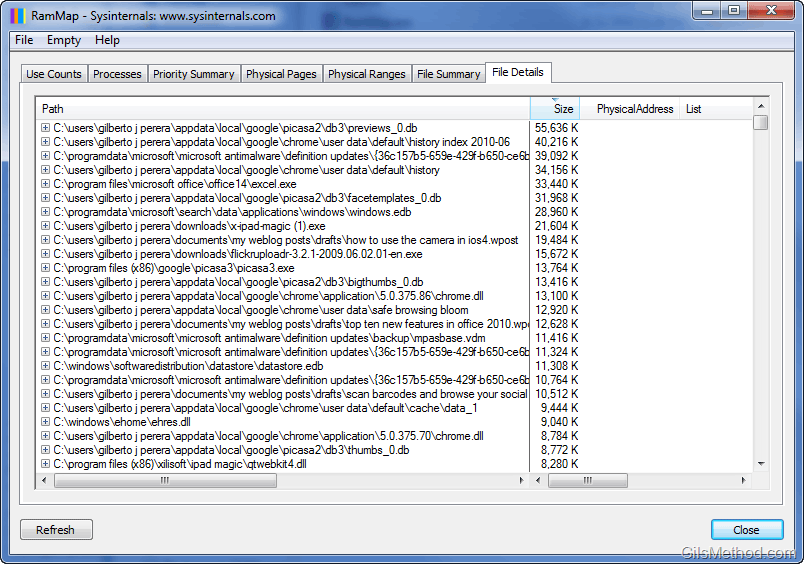
File Details
Similar to File Summary, this list will provide you with a list of individual physical pages by file.
Description and information via Systernals website.