
Tag: WordPress

How to Add A New User to Your WordPress Site
There may come a time where you hire additional editors to contribute to your WordPress website or you simply want to give someone access...
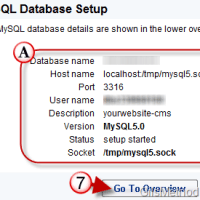
How to Setup a MySQL Database with 1&1 Hosting
In order to install WordPress, Joomla, Drupal or any other dynamic content management system (CMS) you must first have a couple of things ready.
First,...

How to Log In to Your WordPress Website
Unless you left one of the Meta widgets enabled on your WordPress website you will probably have a hard time signing on to your...

How to Run WordPress on Your Windows PC
Wouldn’t it be nice if you could test new plug-ins or a new design without ever touching your Live WordPress installation? Sure, you can...

Upload Videos to a WordPress Blog from Your iPhone
In the latest release of the WordPress app for the iPhone, the folks at Automattic added the ability for WordPress users to upload videos...

How to Add a WordPress Blog to the WordPress iPhone App
What if I told you that you could write posts, edit pages, upload videos, and manage your WordPress comments all from your iPhone? You...
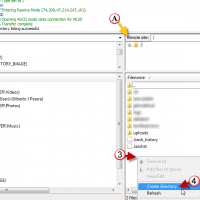
How to Connect to Your 1and1 FTP Account
Now that you’ve picked out a domain and hosting plan for your website the next thing you need to do is actually access the...

Tech Observations on a Motorcycle Ride
I would have never thought that I would get so many tech connections and observations during a recent road trip. Tech is truly all around us and even running down the interstate it was very apparent that many things are changing on the tech landscape.
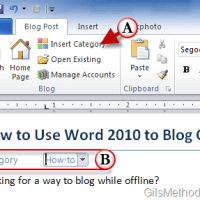
How to Blog Offline with Word 2010
Although WordPress is an amazing blogging platform it does not allow for the creation of posts while offline. Fortunately there are several applications that...
Enable Remote Publishing with WordPress
Have you ever wanted more control over the formatting of a blog post? You can accomplish this by using applications like Word, Windows Live...
How to Enable Turbo and Improve Your WordPress Experience
If you're using WordPress as your blog's publishing platform and you have yet to enable Turbo, you're missing out."The speed increase is most noticeable...