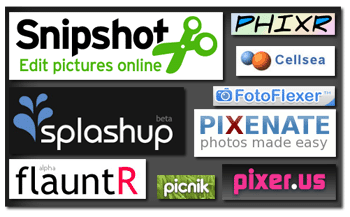
So you don’t want to spend the big bucks to buy a suite like Photoshop to edit pictures, are you’re sick of Microsoft Paint and other basic photo editors? What if I told you the next time you edit a picture will be online and for free? Don’t believe me? Well run a search on Google for online photo editors and see how many show up.
With this review I plan to point out some of the more popular online photo editors as well as provide a short glimpse of the features offered by my favorite editor. If you have any questions or comments feel free to ask.
Gil’s Method Choice – Splashup
Why? Splashup is the closest you’ll get to a true photo editor like Adobe Photoshop. It has the same look and feel as Photoshop and a lot of tools Photoshop users are familiar with, it offers mutli-layer images, filters, etc. The interface is easy enough to navigate and the service is pretty fast. You can easily edit photos from Facebook, Flickr, and Picasa as well as save them to each of the aforementioned services.

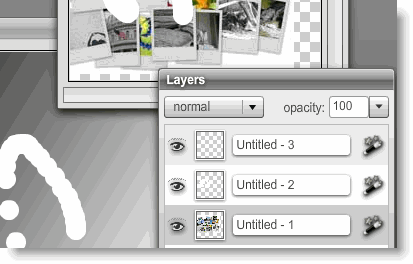
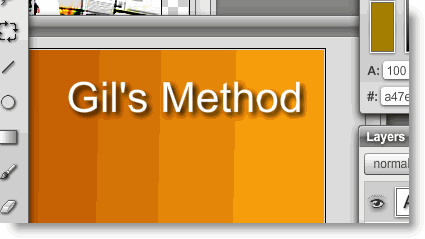
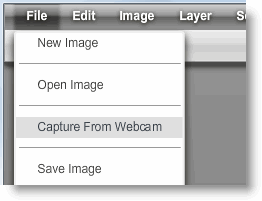
Here are some screenshots of Splashup in action.
1.1 Use of layers
1.2 Using Filters to add shadows to text
1.3 Capture from Webcam feature
The Rest of the Mix