
Tag: Office
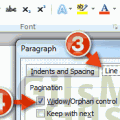
How to Turn Off Widow/Orphan Control in Word
One of our Answers users recently posted a great question about widow and orphan control in Word 2010 that I thought should be covered...
Have Fun While Learning Word with Ribbon Hero 2
Every few years Microsoft comes out with a new Office suite, bringing new updates and different layouts. We’ve had 97, 2000, 2003, 2007, and...
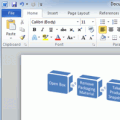
How to Create a Flowchart in Word
Have you ever had the need to create a flowchart, but didn't own a copy of Visio to work on the flowchart? If this...
How to Insert Digital Signatures in Word
Have you ever been asked to sign a Word document digitally but didn't know how? The guide below will show you how to insert...
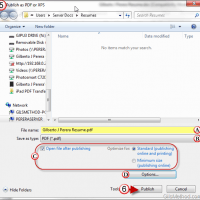
How to Convert Word Documents to PDF Files Using Word
Has someone ever requested that the Word document you are working on be submitted as a PDF? Don’t worry converting that Word document file...
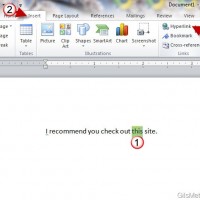
How to Add and Edit Hyperlinks in Word 2010
Have you ever wanted to include a link to a website within a document you were working on? Did you know that you could...
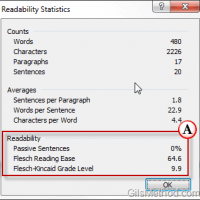
How to Test Your Document’s Readability in Word 2010
If you have ever been interested in the readability level of your writing then you are going to love a hidden feature in Word...
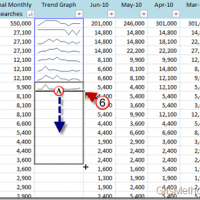
How to Create and Edit Sparklines in Excel 2010
If you’ve ever tried making sense of a lot of trend data in Excel you’ve usually found that plotting the data using a line...
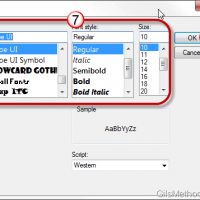
How to Customize Outlook 2010 Panes
Does the default font size and style used throughout Outlook’s program interface bug you because it’s too small or the font isn’t your favorite?...
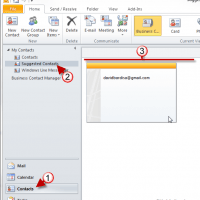
Tip: Find Unsaved Contacts in Outlook 2010
How many times have you gone searching for the email address of someone you emailed months or weeks ago? If you happen to use...
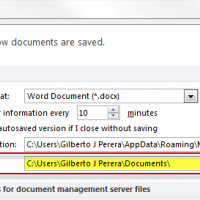
How to Change the Default Save Location for Word 2010
Do you find yourself moving back and forth between folders each time you want to save a new Word document? Chances are you use...
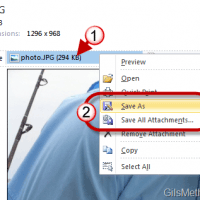
How to Save Attachments in Outlook 2010
Attachments come in many file types and sizes, luckily the act of saving them to your computer for later use is quite simple. Due...
Tip: Use Columns to Vertically Split Content in Word Documents
Have you ever wanted to use a newspaper-like format for a document you were working with? If so, you’ll find that formatting content using...