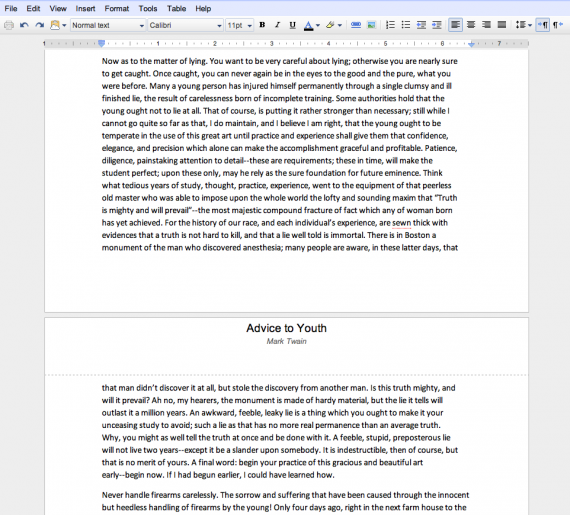
To the day one year ago, Google released a newly updated version of the Google document editor which included many much needed updates. Now, Google is taking that document editor one step further by adding pagination to all documents. Pagination means that you will now be able to see the physical pages in your document, instead of it being one large document with no separation. You also have the ability to change it back to the original compacted view by going to View -> Document View -> Compact in a Google Doc.
The new pagination feature includes the ability to see headers on the top of every page, rather than just at the top of the document, footnotes on the bottom of pages, and text being automatically pushed to another page when a new page is manually added.
In addition to this new feature Google has used the pagination to help implement a new printing feature to Google Docs. Currently only available in Chrome, the new native printing feature allows you to print exactly what you see in your document, rather than having to convert it to a PDF and then printing that PDF. This new feature is part of a new web standard that has been implemented into Chrome; hopefully other browsers will follow suit.