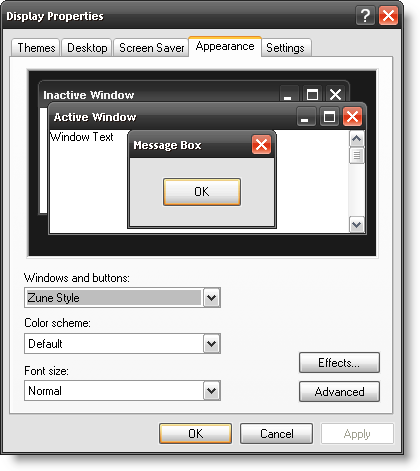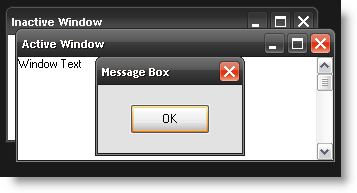
Ever wanted to refresh the look of your Windows XP computer? The guide below will show you the simple steps to accomplish this as well as suggest a couple of different themes you might like. If you have any theme suggestion please list them below. As always comments and questions are welcome.
For those of you who would like the Windows Vista look on your computers, read the following two guides. To install the Windows Vista theme on Windows XP, follow the instructions in the Use the Windows Vista Theme on your Windows XP Machine article.
To install the Windows Vista Sidebar follow the instructions in Get the Vista Sidebar on Your Windows XP Machine article. For those of you would like to change the XP theme only (non-Vista) follow the instructions below.
Note: I’ll be using the Theme XP Dark Blue, it’s simple and appealing
1. Before proceeding with the steps below you must first download a theme, please download and install the Theme XP Dark Blue (free download)
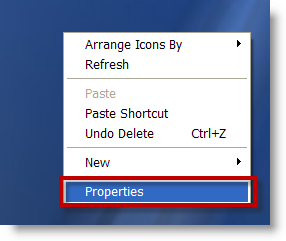
2. Right click anywhere on your desktop and select Properties from the drop-down menu. This will open the Display Properties window.
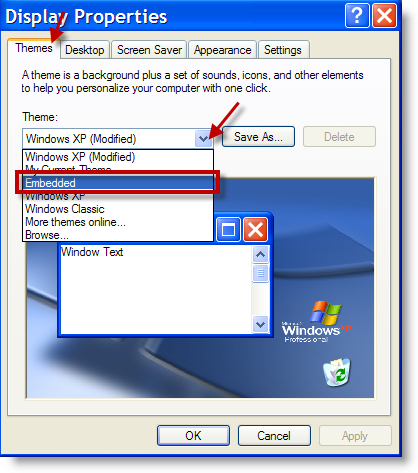
3. Make sure that the Themes tab is selected, choose Embedded from the Theme: drop-down.
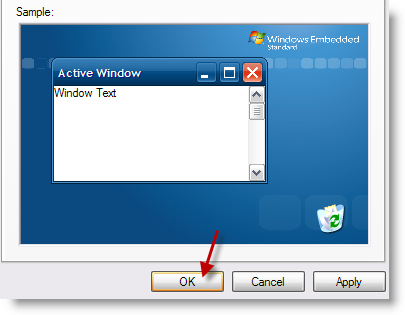
4. You will see a preview of the Theme, click OK to apply the new theme. The window will close and the theme will be applied to XP.
The nice thing about these themes is that you don’t need to go and edit system files, these are signed Microsoft themes.
Other themes to download and install…
Download the Royale Theme from Softpedia.com
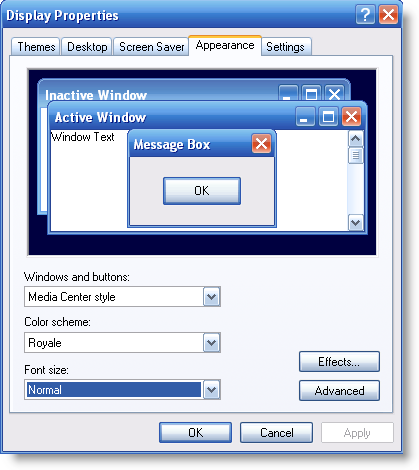
Download the Royale Noir theme from istartedsomething.com
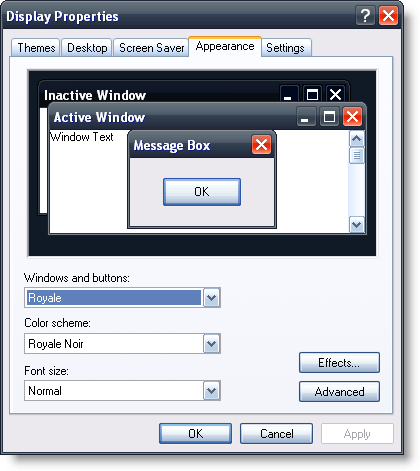
Download the Zune Theme from Microsoft.com