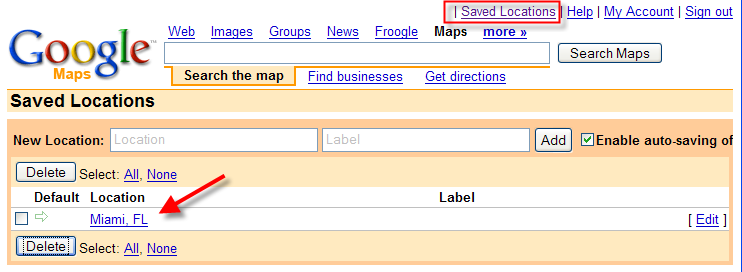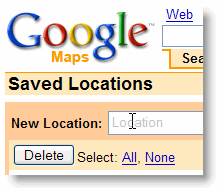
The Google Maps team announced the ability to save Google Maps locations (addresses) to your Google account when you are logged in. View a screenshot here. Read the announcement below.
“One of the most common requests we’ve received is for the ability to store a list of personal addresses on Google Maps — and now you can. To get started, click on the “Saved Locations” link in the upper right corner of the site and sign in to your Google Account. If you’re already signed in, this link will take you to your saved locations list — Google Maps will automatically save every location you search for. You can also go to the Saved Locations list to disable auto-saving of locations or to add, modify, or delete previously-saved locations.
From here, you can also add a label (your choice of an easy-to-remember name, e.g.”home”) to any of your saved locations. The next time you start entering an address or a label into Google Maps, we’ll offer to auto-complete it for you if it’s in your saved locations. Auto-completion is also available when you’re searching for businesses. If you’ve labeled the address “1600 Amphitheatre Pky, Mountain View, CA” as “work” (as some Googlers would), when you start typing [pizza near work], we’ll offer to auto-complete it as [pizza near 1600 Amphitheatre Pky, Mountain View, CA].
Here’s a tip: When a list of auto-completions is offered, you can hit the Tab key to select the first one.” Via Google Blog