If you are looking to be more vocal with the federal government, specifically Congress then you are going to love MyCongress for the iPad. Once installed, MyCongress will put all of the Representatives and Senators of the United States at your fingertips. Use the screenshot tour below to become familiar with the application or head over to the App store on your iPad and download this App for free to try it out on your own.
Do you own an iPad? You might want to look into protecting your investment with invisibleSHIELD screen protectors. If you need any help or have questions please post them below.
Note: I used an iPad running iPhone OS 3.2 for this screenshot tour. MyCongress is also available for the iPod Touch and the iPhone.
Description from the App Store
MyCongress is a portal to detailed information about your elected U.S. Congressional officials. Track their news, video, and Twitter feeds. Look up their official Open Congress profile or contact them directly. MyCongress helps you get in touch with your government.
MyCongress will use your current location to find the Representatives and Senators for District and State respectively. You can also bookmark elected officials.

You can locate officials by entering your Zip Code or allowing the iPad to share your location (Auto Locate) to determine where you reside. You can also use the pane to the left to locate Congressional officials by Name, State, Party, or Chamber.
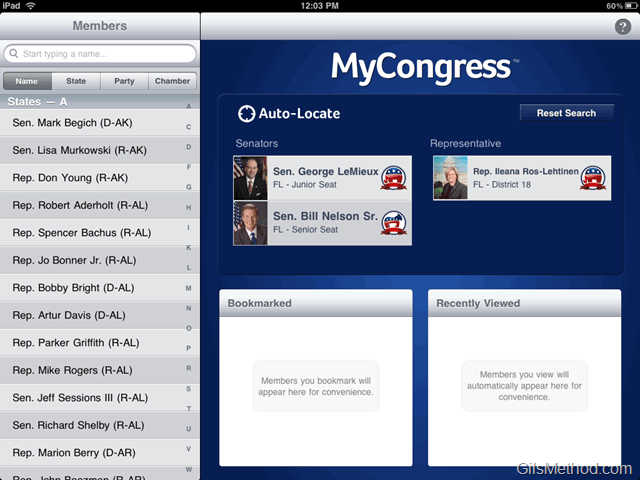
Once the App determines where you reside it will list the Senators for your State and the Representative for the District you live in.

When you tap on the Representative or Senator you will be presented with a page that pulls all of the information about the official into a concise format. On this page you will be able to see the following:
- Official’s Name
- Party Affiliation
- Recent News
- YouTube Channel (If they have one)
- Twitter Feed (If they have one)
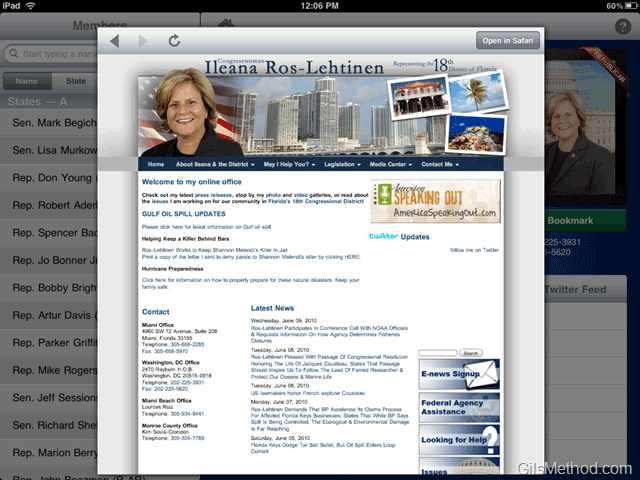
Link to Website
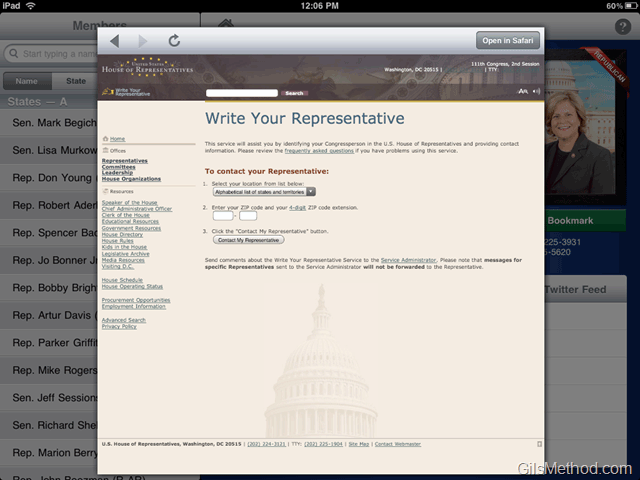
Link to Contact Form
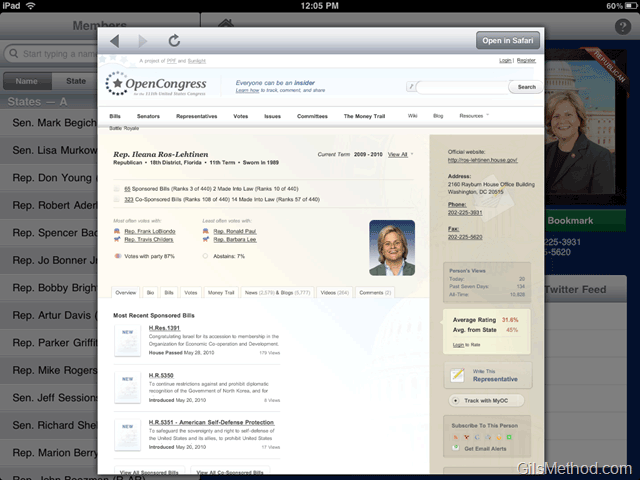
Link to Open Congress Profile
You can also bookmark the officials so that they appear on the Home Page next time you launch the application or when you return to the Home Screen.

Bookmark button (Add/Remove).
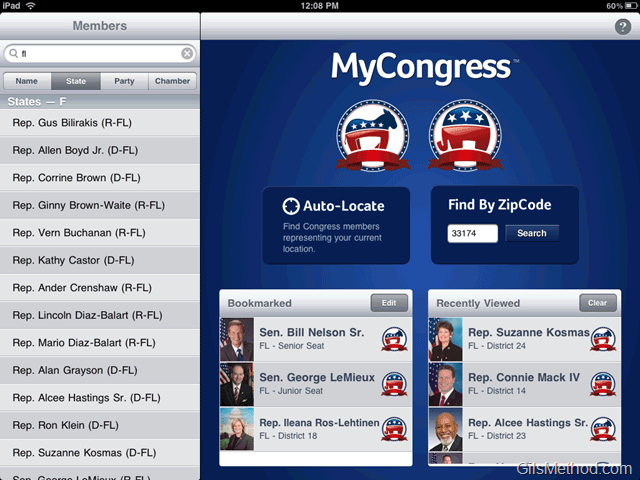
Home page with Bookmarked officials and a list of officials you recently visited.