How to Subtract in Excel

by Apr 13, 2011

If you are new to Excel and unfamiliar with Excel’s built-in functions, specifically subtraction you will find this guide useful. In the following steps I will show you how to create a formula in Excel that a cell from another to provide you with the difference. Software/Hardware used: Office 2011 running on Mac OS 10.6,…Continue Reading

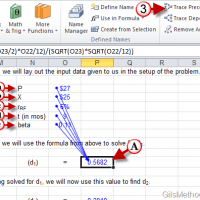
How to Use the Formula Auditing Tools in Excel 2010

May 21, 2010 No Comments

How many times have you found cells with errors or the famous ##### entry? These can all be attributable to errors or improper formatting. In this tutorial we are going to focus on the error part. In Excel you have the ability to compose simple formulas that add a list of numbers or you can…Continue Reading

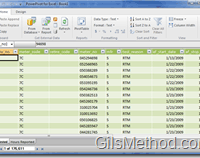
How to Add a Database to PowerPivot for Excel

May 21, 2010 No Comments

Are you new to PowerPivot for Excel? You’ve come to the right place. In this tutorial and in upcoming tutorials, I will be covering the basics of Excel’s powerful new data analysis tool. In this guide I will show you how to add an Access database with more than one table. Before you get started…Continue Reading

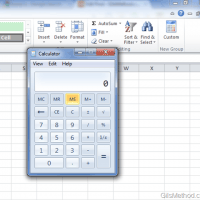
How to Access the Calculator Without Leaving Excel 2010

May 20, 2010 No Comments

How often do you find yourself opening the Windows calculator to quickly find the solution to a problem? How often do you create a formula in Excel to find the answer to a silly calculation? If any of these apply, then you might want to add the Calculator command to the Office Ribbon in Excel…Continue Reading

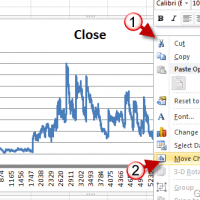
How to Create a Line Chart in Excel 2010

May 11, 2010 11 Comments

If you are looking for a quick and easy way to display trend data for a period of time, like stock prices, the best chart to use is the line chart and its variants. Excel comes the option to chart data using various line charts that allow you to customize the look and feel of…Continue Reading

How to Add a Header and Footer to Excel 2010 Spreadsheets

May 10, 2010 No Comments

Want to make your Excel spreadsheets stand out? Use the header and footer. Like Word documents, Excel spreadsheets have the ability to use a header and a footer to display important information about the spreadsheet/chart you are working on. The header and footer are usually visible when the Page Layout view is enabled and when…Continue Reading