If you like Seesmic Look or TweetDeck you’re going to love tDash when you are away from your computer. tDash is a browser based Twitter client that allows you to manage your Twitter account using a dashboard similar to that in Seesmic and TweetDeck. Don’t get me wrong, the visuals are still far from a Seesmic Look or TweetDeck application, however when you are away from your computer and all you have is a browser window in an Internet cafe, this will make managing your Twitter account much easier.
tDash has a lot of  features you would expect from a desktop client:
- URL’s are auto shortened
- Short URL’s are auto expanded
- You will see a preview of links to images and videos
- You can upload images directly to Twitter
- Multiple account sign-in
- Spacebar to navigate tweets
- and other features
The developer’s site states that upcoming features will include Twitter search, configurable update rates, and the ability to sync across multiple browsers.

The tDash Dashboard after you sign in.
If you want to give tDash a try head on over to the tDash website. Otherwise, take a look at the screenshots below to get look at the tDash in action.
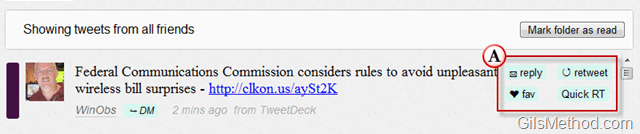
You can click on a tweet to access the actions available to you. You can reply, retweet, Quick RT, and fav the selected tweet.
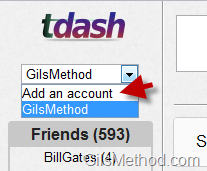
tDash Allows you manage multiple Twitter accounts using their interface. Simply click on Add Account from the drop-down to add the Twitter account.
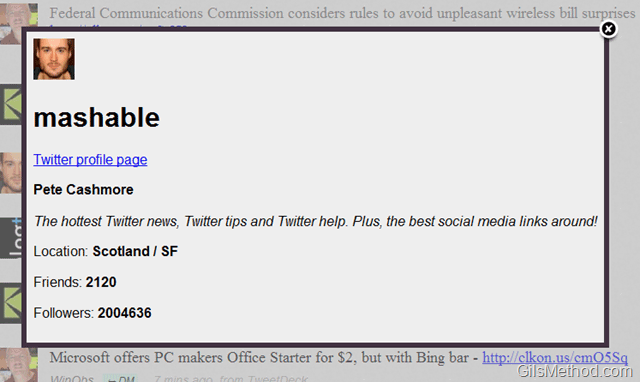
When you click on a Tweet you will have the ability to view profiles for Twitter users.

Compose a tweet just like you would in Twitter and other clients.
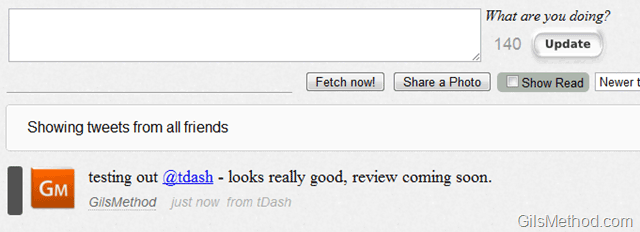
Tweet published from tDash.
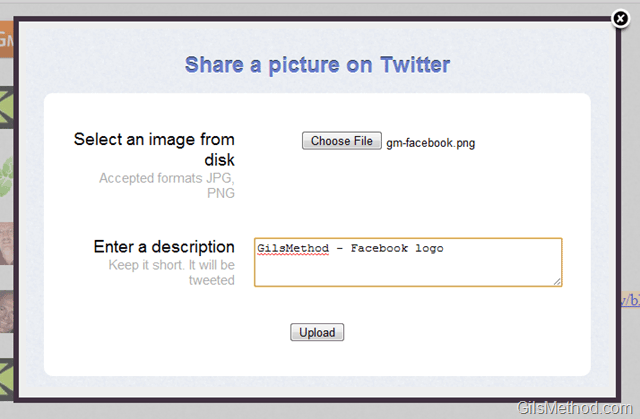
You also have the ability to share pictures on Twitter. When you click on the Share a picture, the Share a Picture on Twitter window will open. Simply locate the image on your computer, add a description, and Upload.
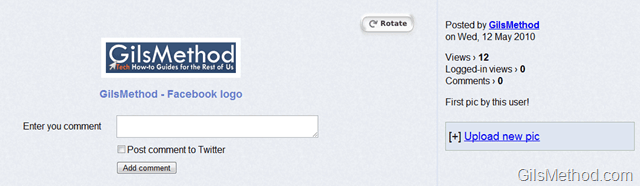
The image you shared becomes available instantly as a tweet on your page.
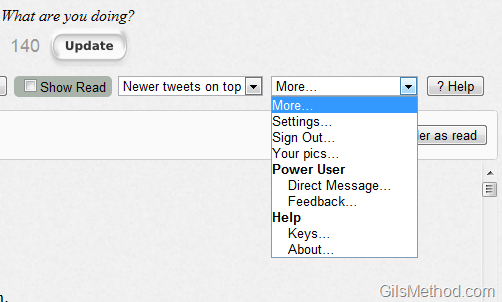
The Settings menu is located in a awkward drop-down list. Simply click where it says More… to expand the list.
- Settings – Screenshot below.
- Sign Out
- Your Pics – You will be able to view all of the pictures you have uploaded.
- Power User
- Direct Message – Used to send DM’s if the person is not listed in the Dashboard.
- Feedback – If you find a bug or would like to vent, use this option.
- Help
 ‘
‘
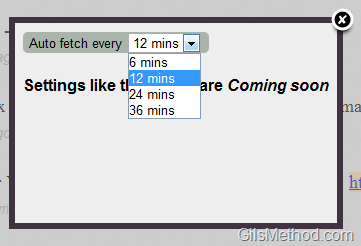
As of this writing, the only setting available is the ability to modify the time interval for auto fetching of tweets.

Sending Direct Messages can be rather clumsy, you have to select the person from the list and then click on the DM selected user button.
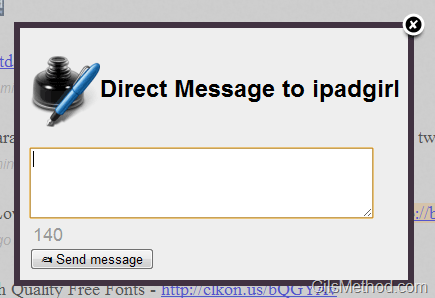
A Direct Message window will open allowing you to enter the message. I would love to be able to send DM’s using the update status text box.
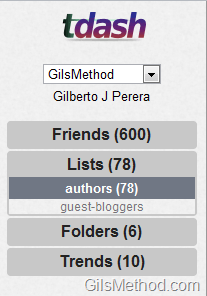
You can browse your Friends list, Lists you have created, Folders, and Trends.
If you know of other sites similar to tDash, please post them below.